numeric-sovereignty.org
Your journey towards numeric sovereignty starts here !
Your journey towards numeric sovereignty starts here !
April 10th, 2026
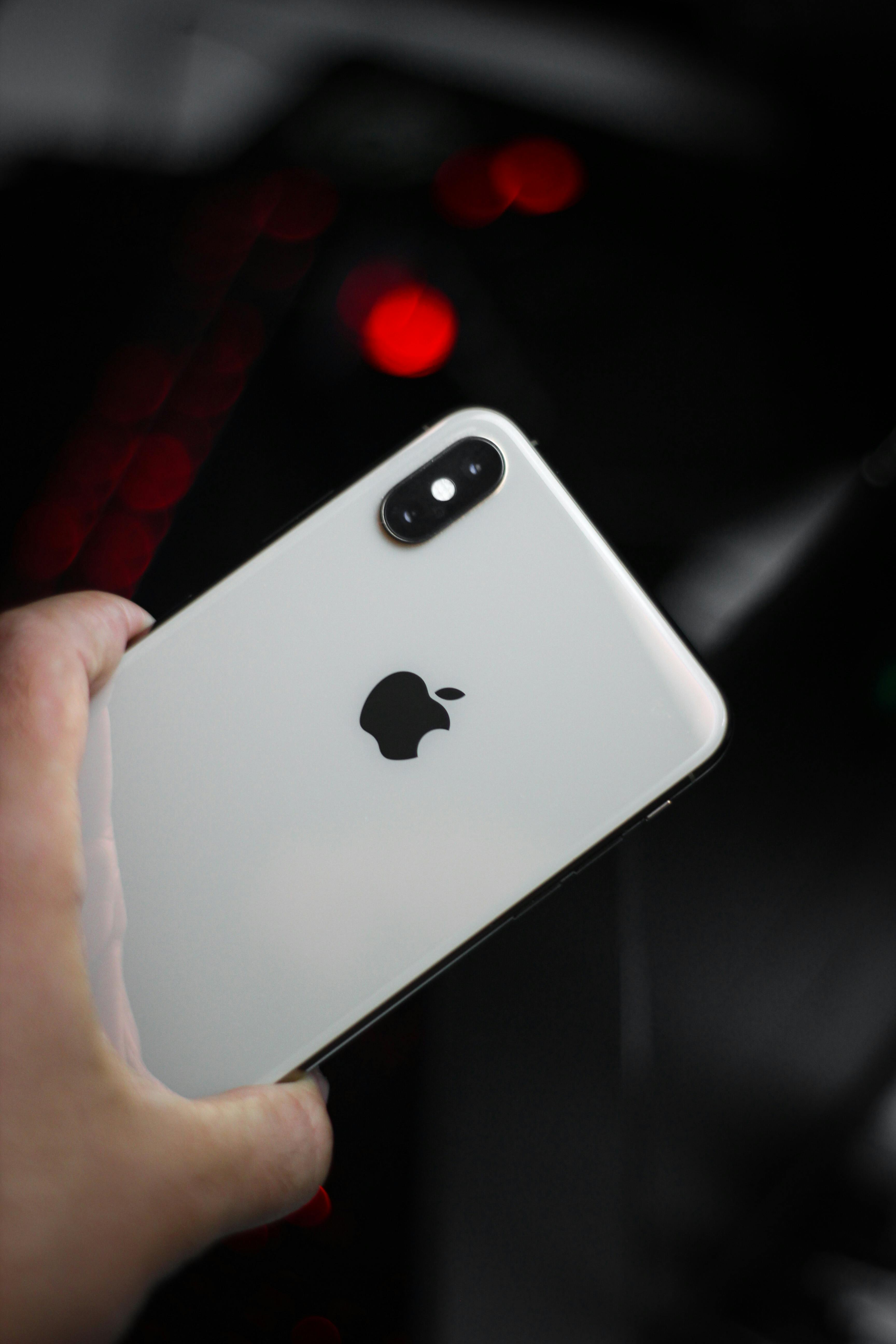
What are EXIF data? Well, first of all, it's obviously an acronym. EXIF stands for "Exchangeable Image File Format."
This concerns the photos you take with your smartphone (but also applies to many traditional cameras) and includes the following data:
This data takes up very little space in the overall size of the photo.
As you may have guessed, this is data that is an integral part of the photos you take.
This data is very useful for photographers. They can analyze it to improve their skills and compare the settings of their photos. In short, they can see what works well in a given environment or, conversely, identify a setting that doesn't work.
Because this data, while useful, can potentially be used against you. For example, when uploading an image to a website, your image may reveal information you didn't intend to share with the world. For instance:
What you need to know is that a photo sent via WhatsApp or Signal is stripped of its EXIF data. Therefore, it's impossible to extract data from a photo sent through these messaging apps.
By the way, Facebook, Instagram, and Twitter (X) retain some of the data but usually remove the geolocation.
On the other hand, tools like Google Photos, iCloud, and Dropbox retain all EXIF data.
If you want to know what remains of this data, you can proceed as follows. We'll use Facebook as an example:
This way, you can get an idea of the data that people could extract from your photos, which is not always trivial.